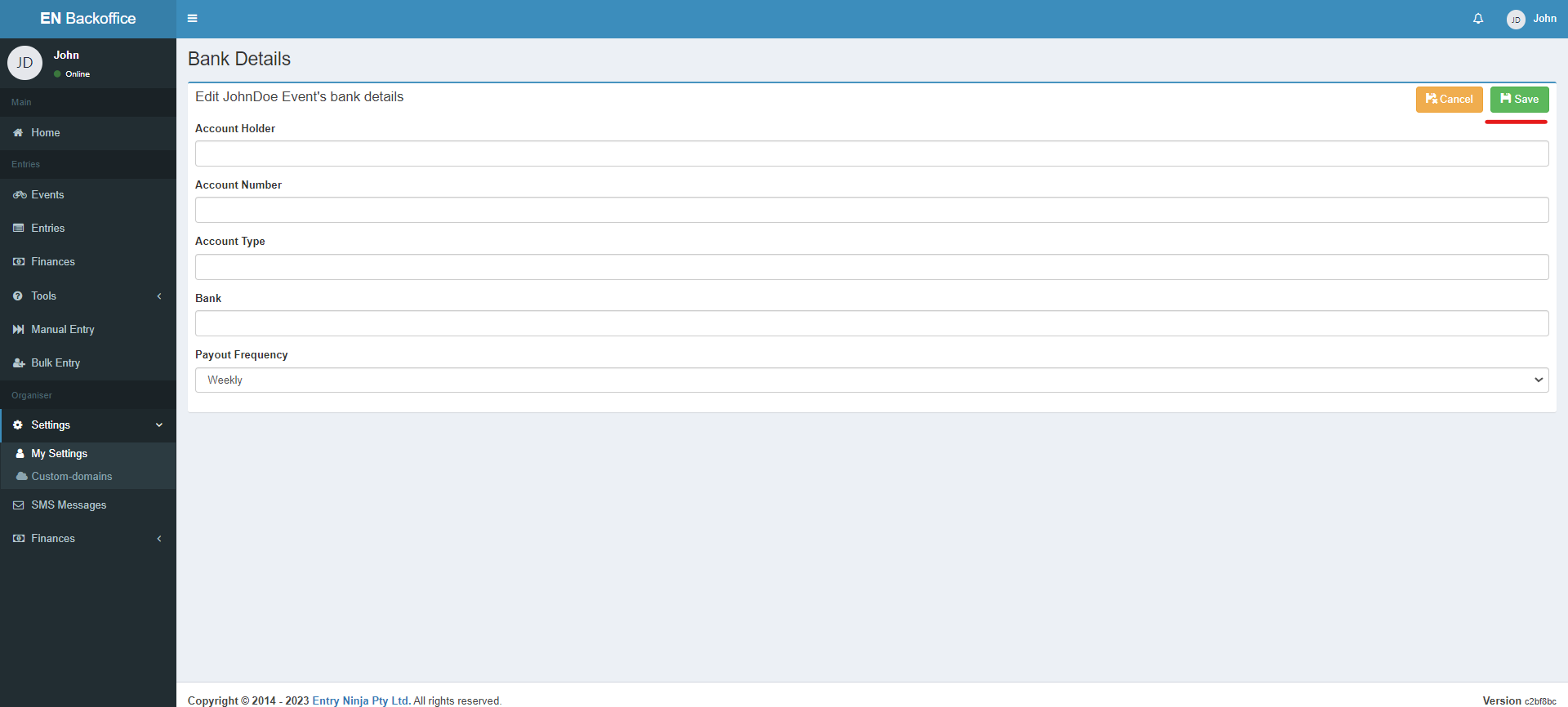

Step 1: Access the "Settings" Option
1. Log in to your Back Office.
2. On the left side of your screen, locate and click on the "Settings" option in the Menu Bar.
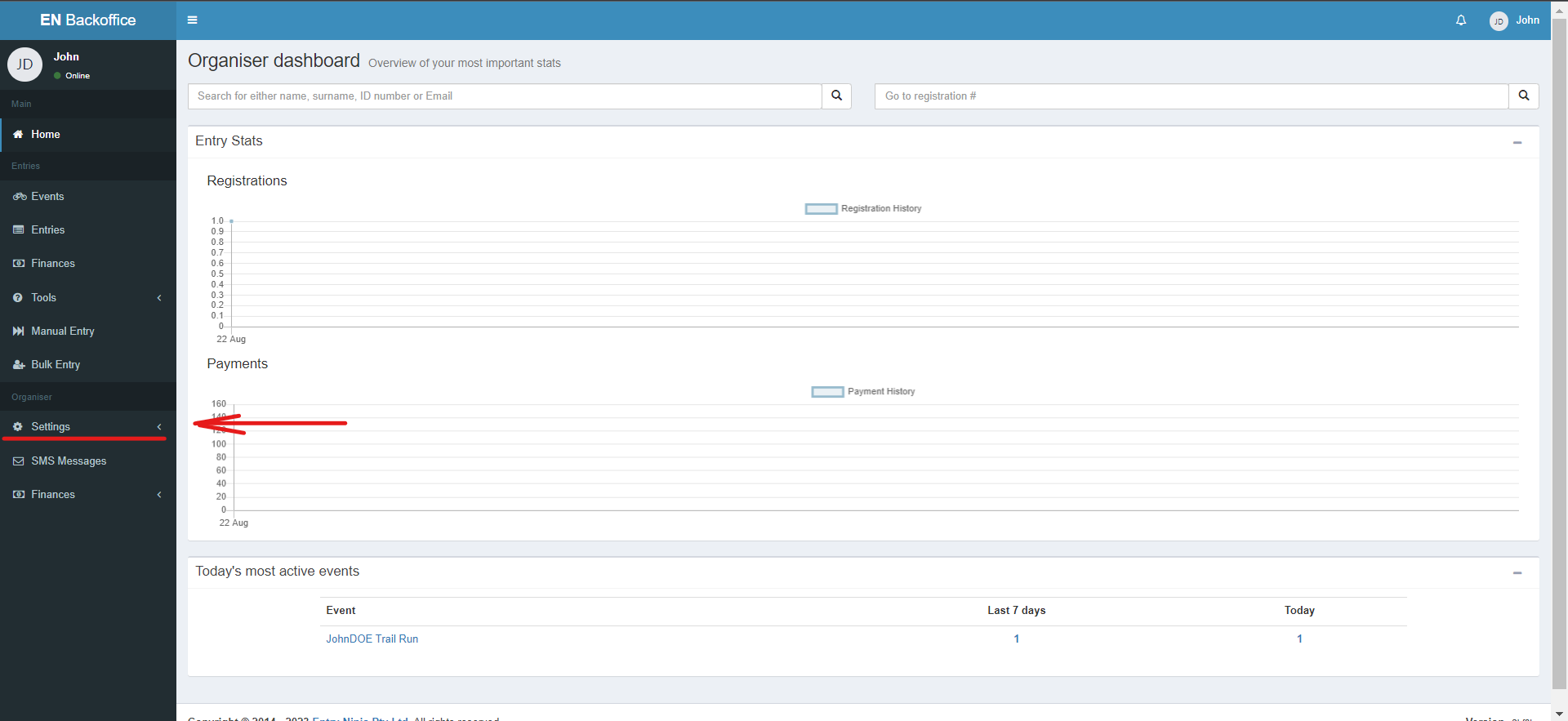
Step 2: Navigate to "My Settings"
1. After clicking "Settings," a dropdown menu will appear.
2. From the dropdown, select the "My Settings" option. This will direct you to the Organisers page.
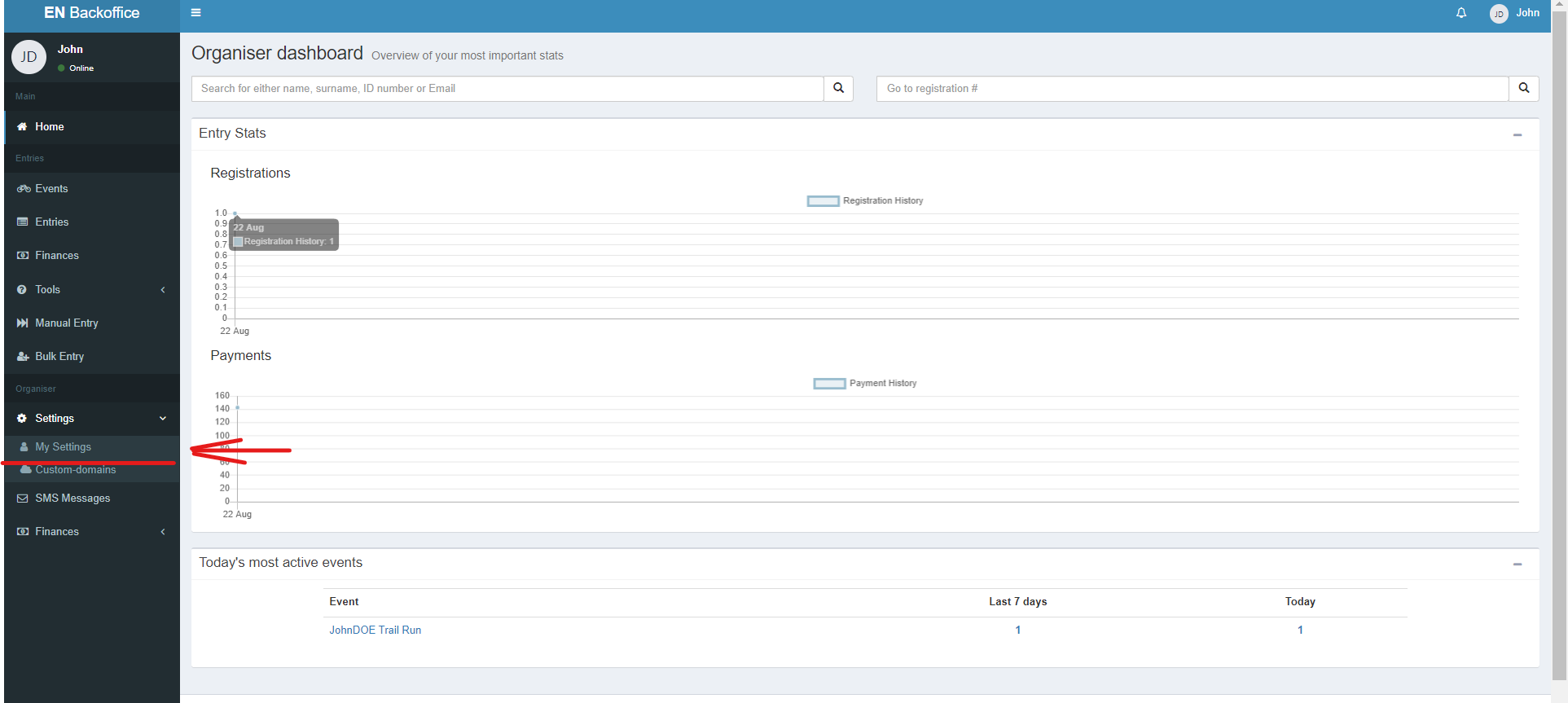
Step 3: Choose Organiser Profile
1. On the Organisers page, identify the organizer profile for which you want to update banking details.
2. Click on the "Details" option next to the relevant organizer profile.
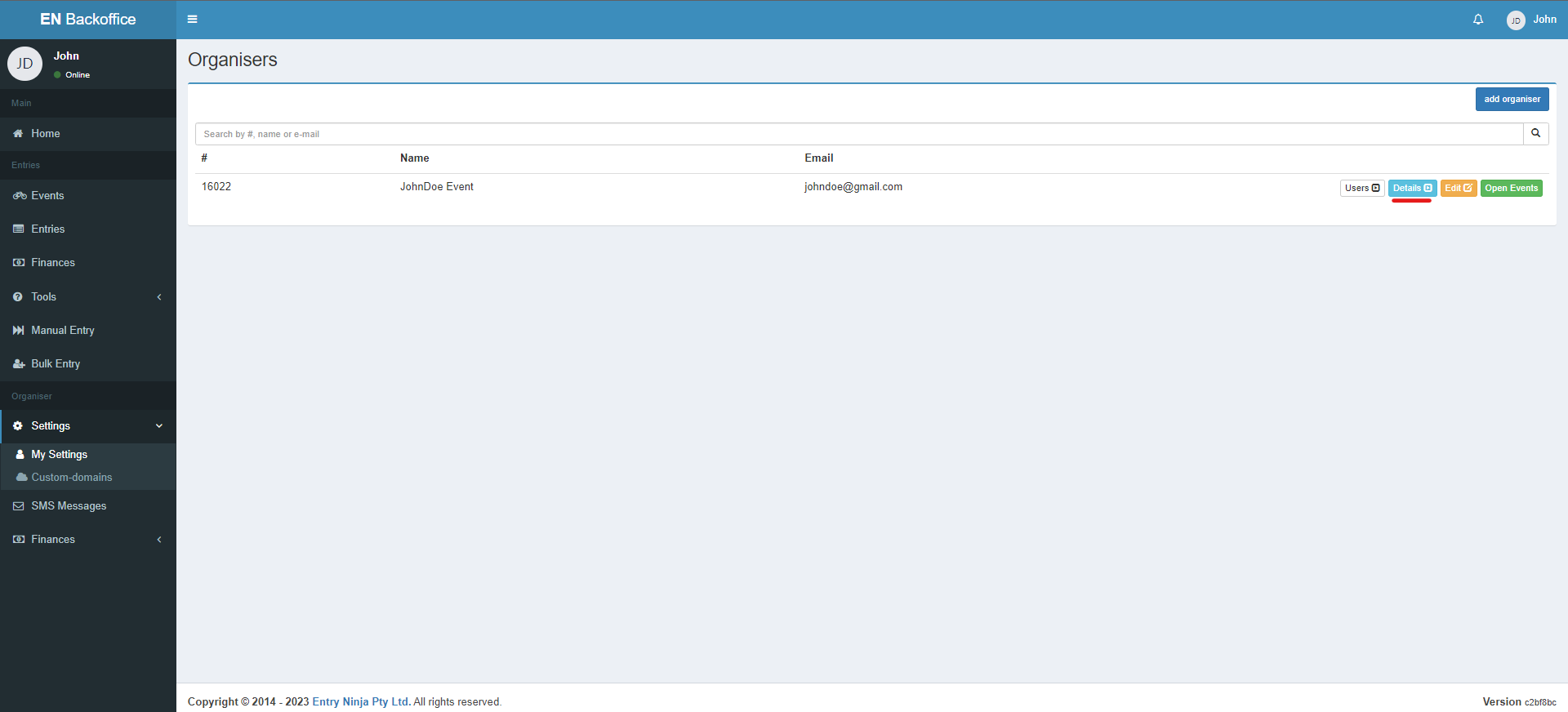
Step 4: Access Organiser Details
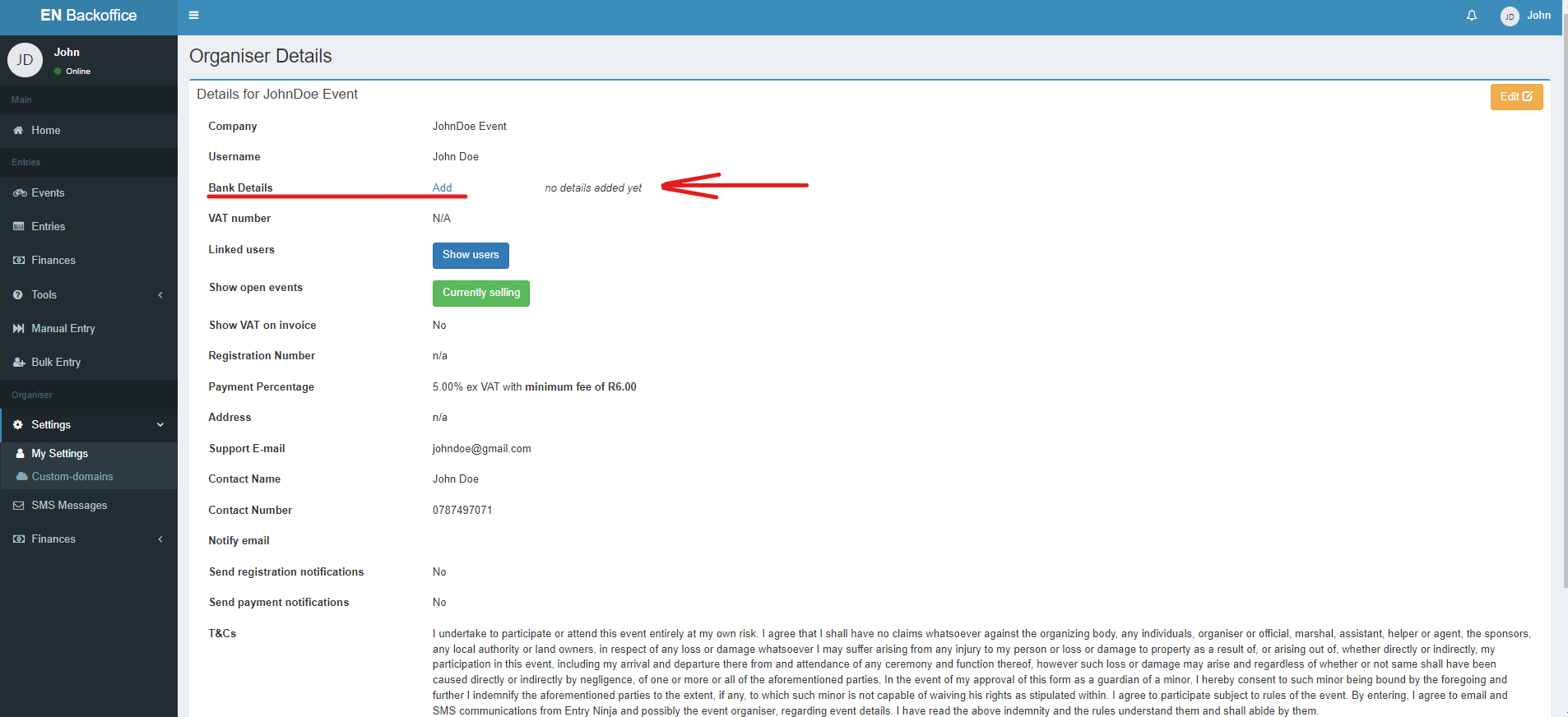
1. Clicking "Details" will take you to the Organiser Details page.
2. On this page, locate the "Bank Details" section.
Step 5: Add Banking Details
1. Next to "Bank Details," you will find a clickable "Add" option. Click on it.
Step 6: Update Banking Details
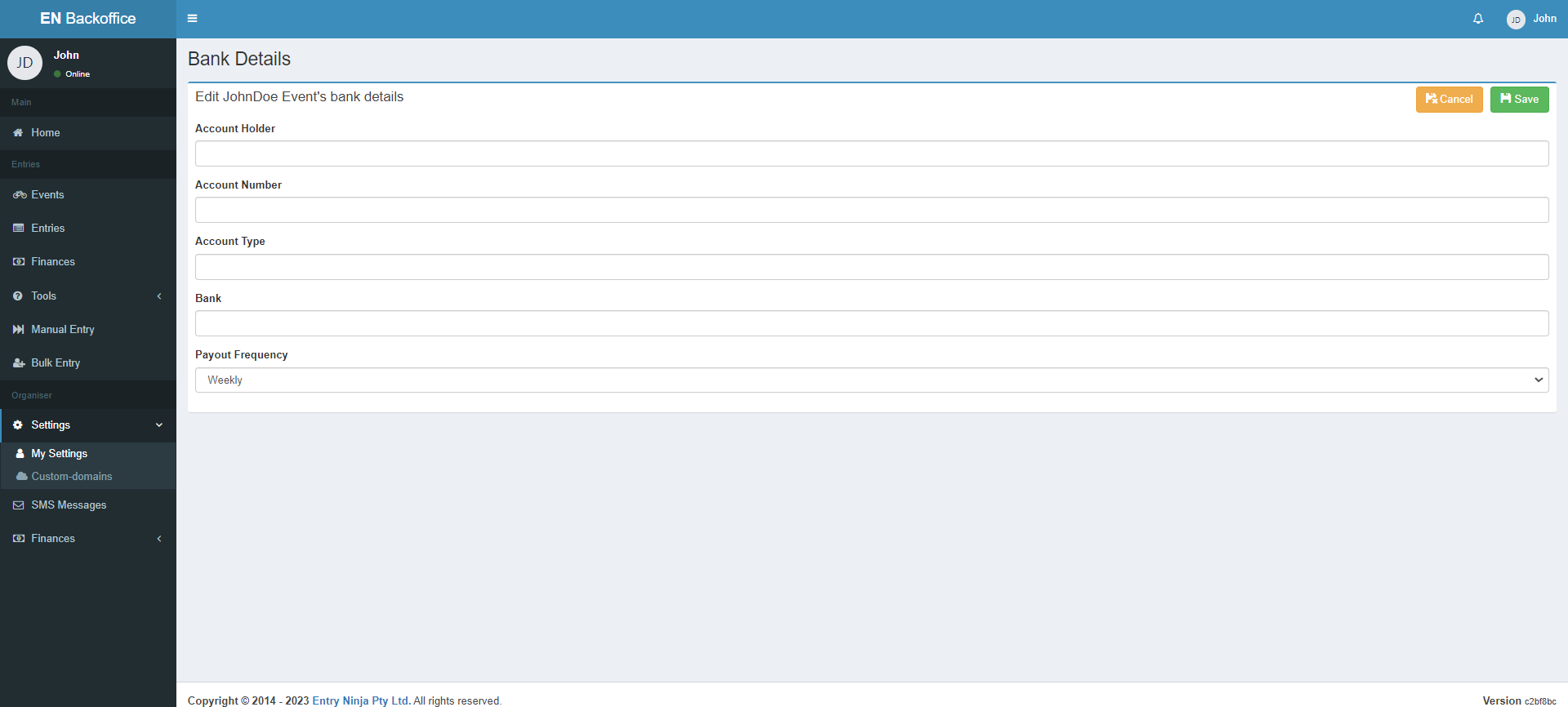
1. The "Add Bank Details" page will open, allowing you to update your banking information.
2. Fill in the necessary details, including:
- Account holder name
- Account number
- Account Type
- Bank Name
- Select Payout Frequency
Step 7: Choose Payout Frequency
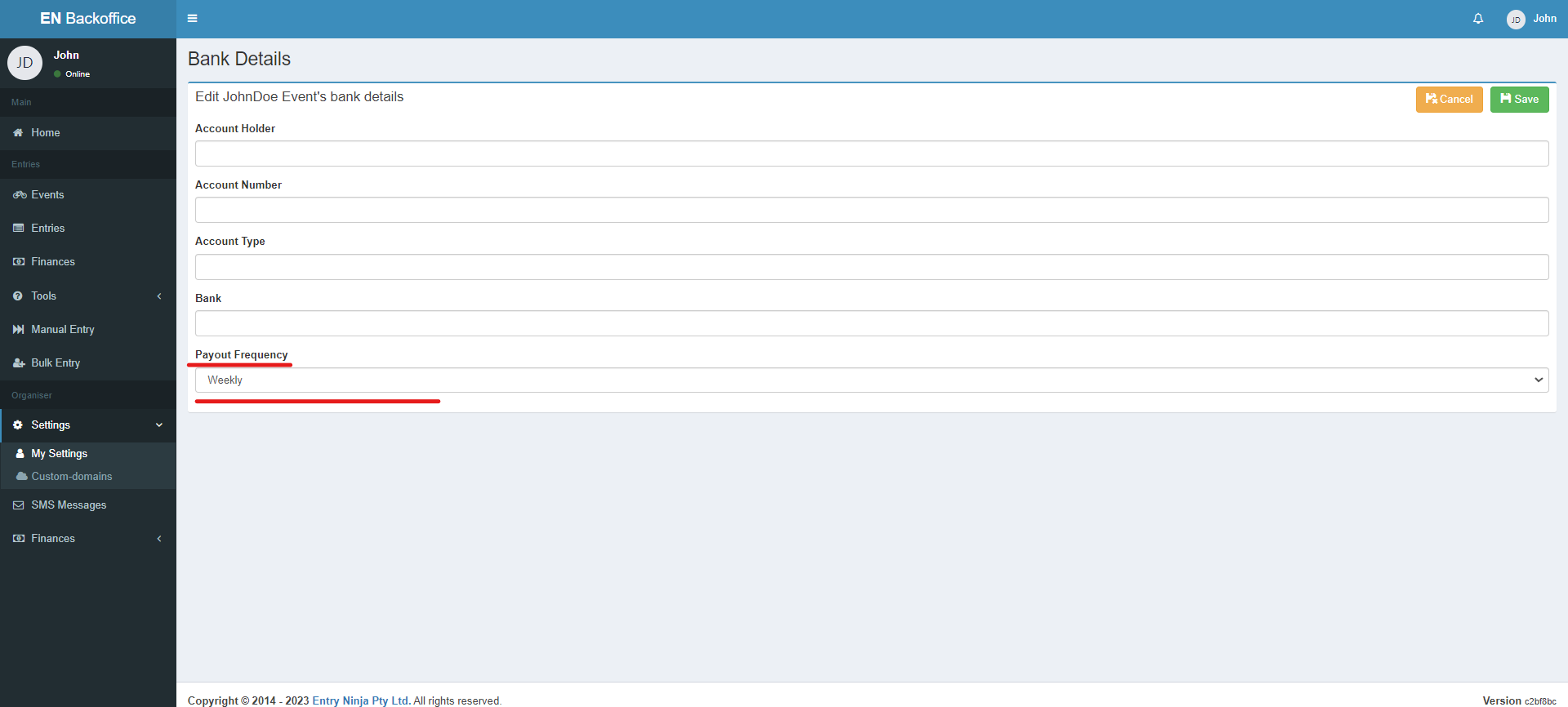
1. After filling in your banking details, you'll notice the "Payout Frequency" option.
2. Select your preferred payout frequency for event payouts.
Step 8: Save Banking Details
1. Once you've completed filling in your banking details and selecting the payout frequency, click the "Save" button.