

The Event Tools section, accessible from the main page of your event, serves as a hub for efficiently managing and updating your event details. This area provides quick access to essential tools and functions that enhance your event management experience. Here's a breakdown of the tools available within the Event Tools section:
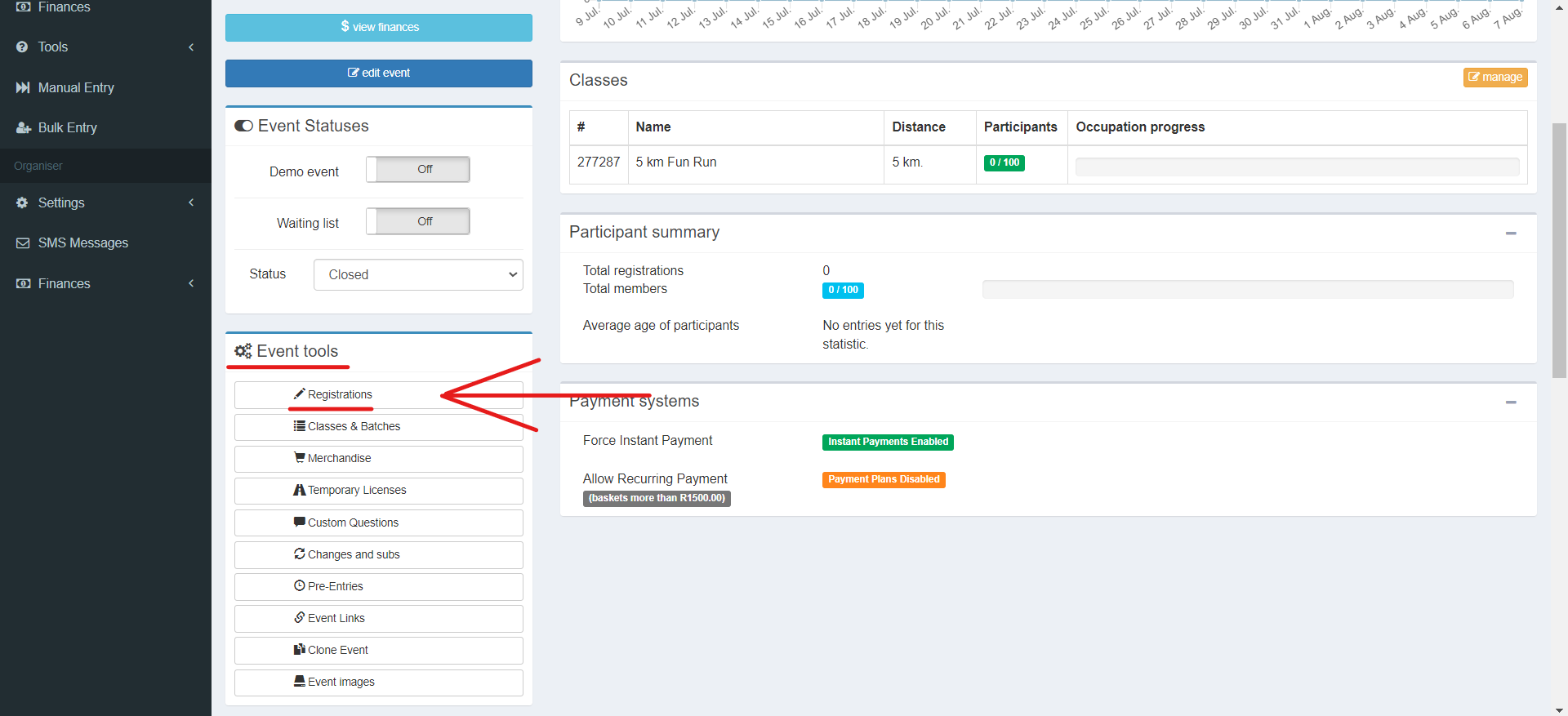
1. Registrations:
- Gain a comprehensive overview of all event entries.
- Easily search using name, surname, ID number, or email address.
- Access individual entry details for viewing or modification.
- Delete entries and monitor payment status (paid/unpaid).
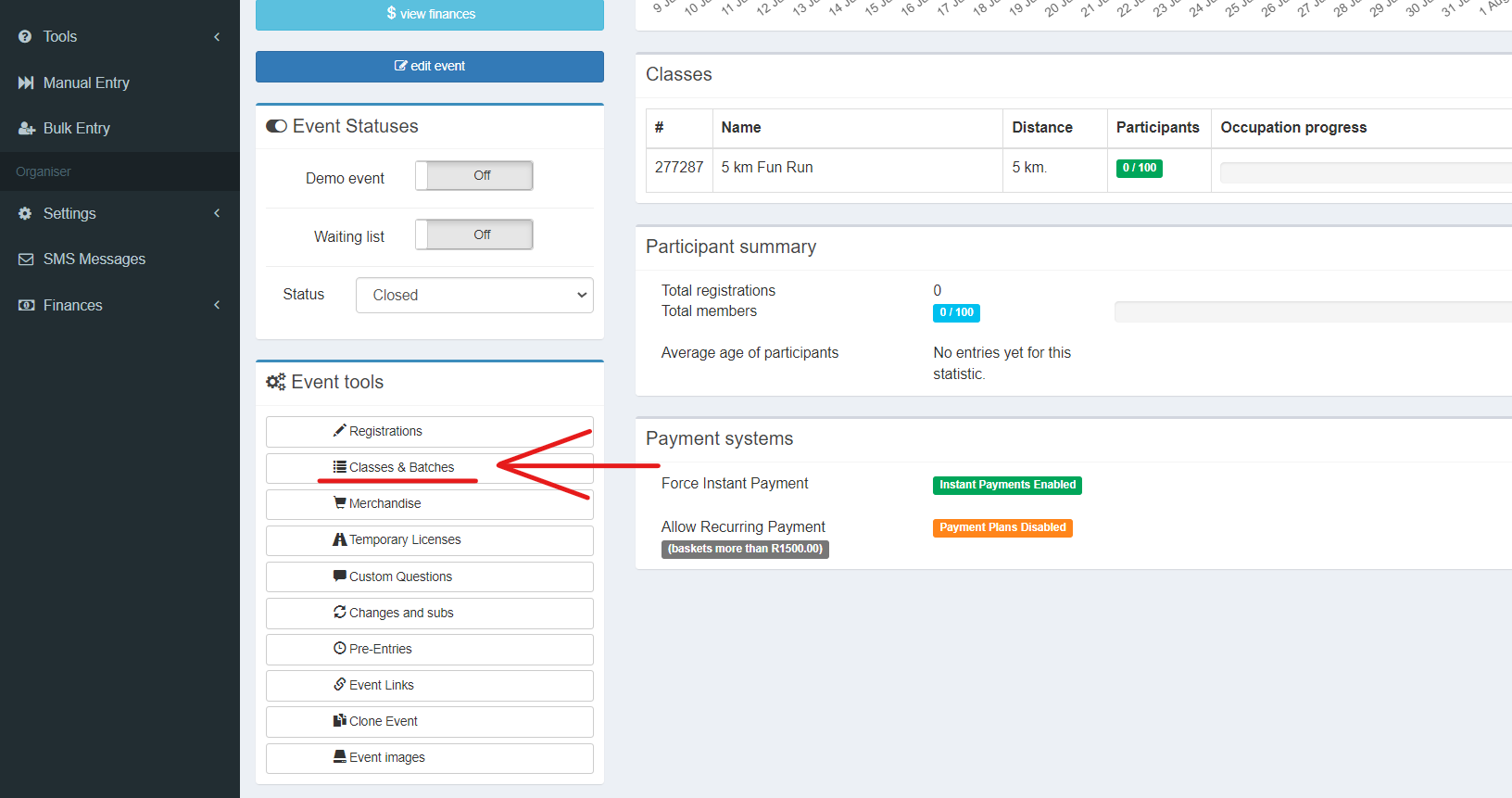
2. Classes & Batches:
- Conveniently return to edit class and batch information after initial setup.
- Make modifications, such as adjusting maximum batch members or adding new batches.
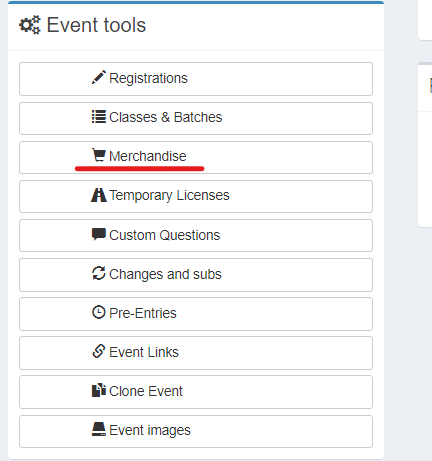
3. Merchandise:
- Manage event merchandise seamlessly from this tool.
- Add new merchandise items or make edits to existing ones.
- Monitor inventory levels and update as necessary.
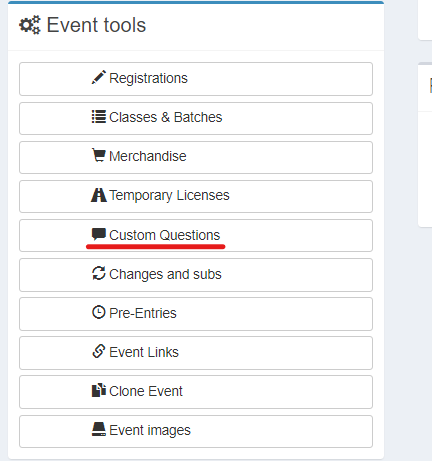
4. Custom Questions:
- Collect valuable participant information during the entry process.
- Incorporate custom questions, ranging from best times for specific distances to personal preferences.
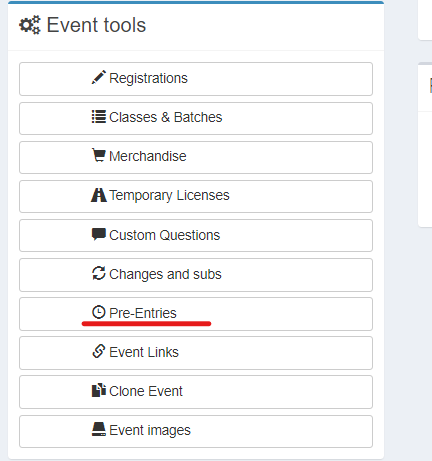
5. Pre-Entries:
- Enable exclusive pre-entries for select participants, such as those from previous events.
- Add ID numbers or email addresses of eligible participants.
- Allow these participants to process entries before general public registration.
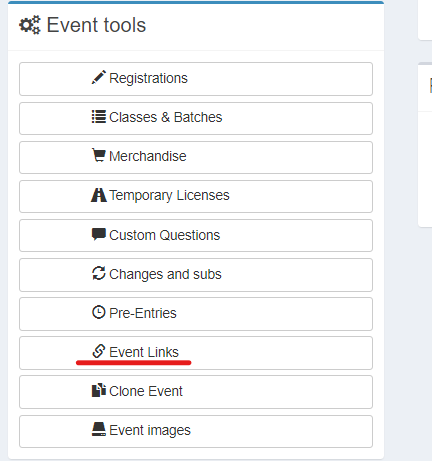
6. Event Links:
- Access the live link of your event, which can be easily copied and shared on marketing platforms.
- Provide effortless access to your event for potential participants.
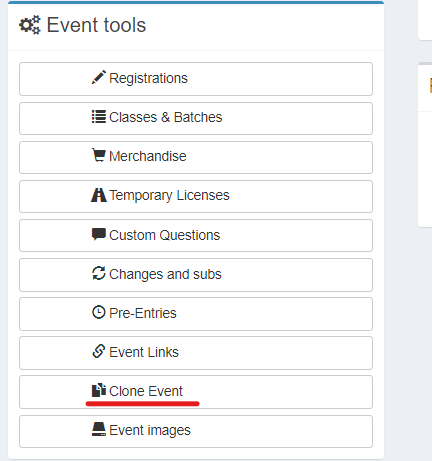
7. Clone Event:
- Streamline event setup by duplicating a past event's details.
- Easily copy and update information from a previous year for the current event.
The Event Tools section streamlines event management, providing a centralized location for making updates and utilizing key functions. By leveraging these tools, you can enhance participant experience, streamline registration processes, and effectively promote your event.